Firmware Update
Instructions for installing the firmware on the ESP.
Method via the browser (recommended)
Prerequisites
- Assembled Paxophone.
- USB-C to USB-A or USB-C cable (depending on the type of port available on the computer).
- Chrome or Edge browser.
ℹ️ Info
This documentation was created from a computer running
Fedora43andChrome144.
In the browser
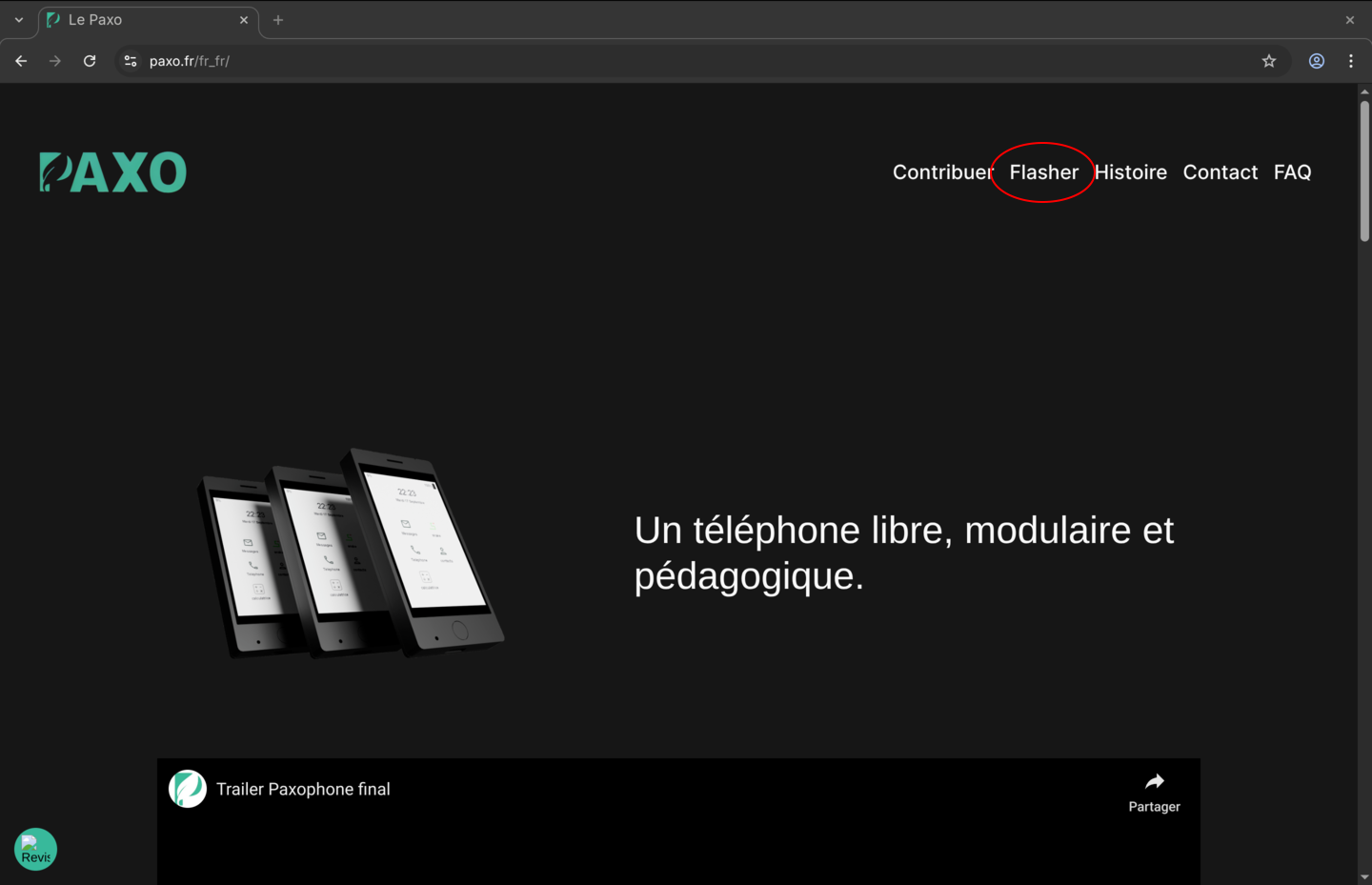
Go to the Paxophone website.
In the menu in the top right corner, click on "Flash".
Connecting the Paxophone
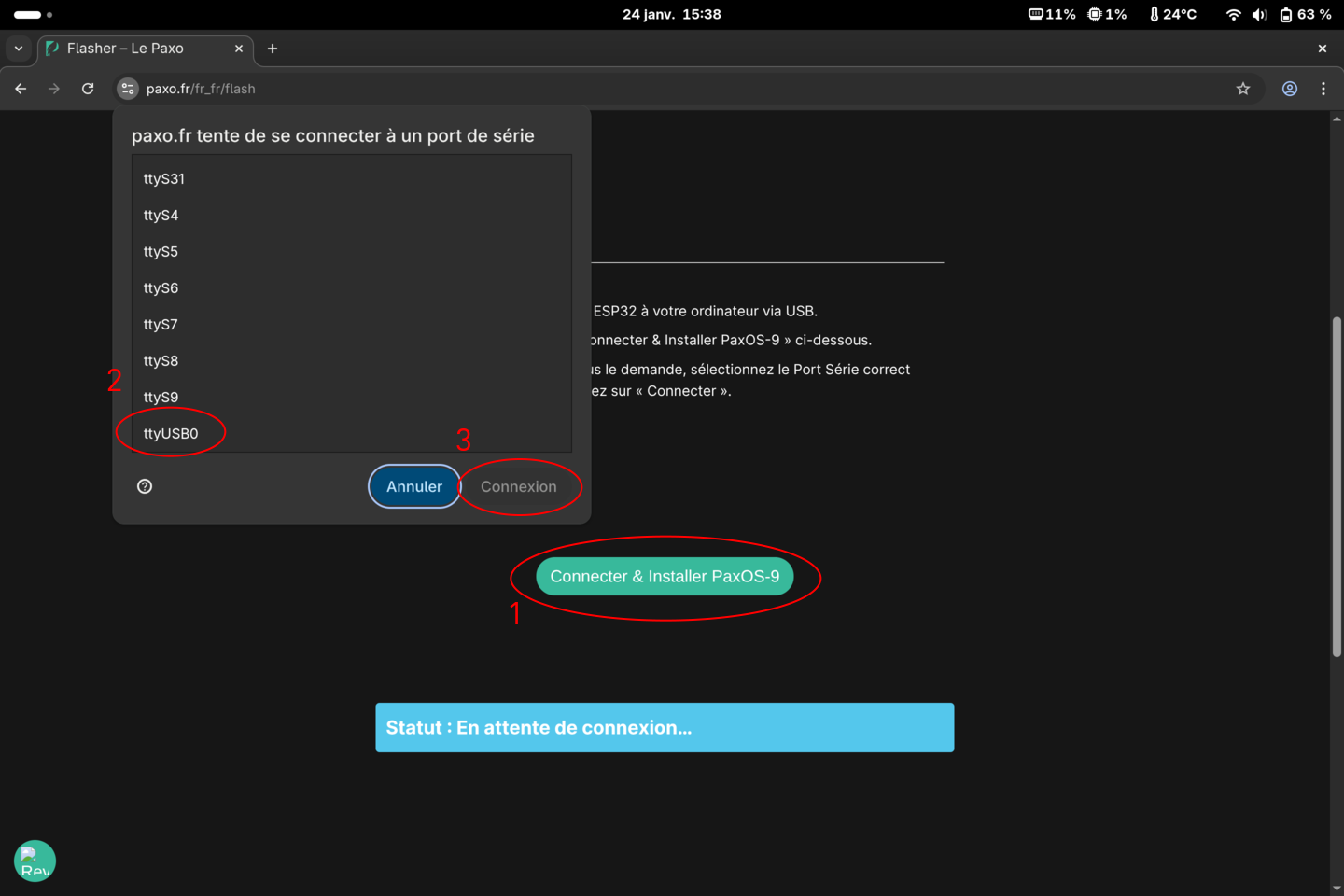
Connect the powered-on Paxophone to the USB port on your computer.
- Click the "Connect & install PaxOS-9" button.
- Select the port to which the Paxophone is connected (usually contains "USB" in its name).
- Click the "Connect" button.
Starting the installation
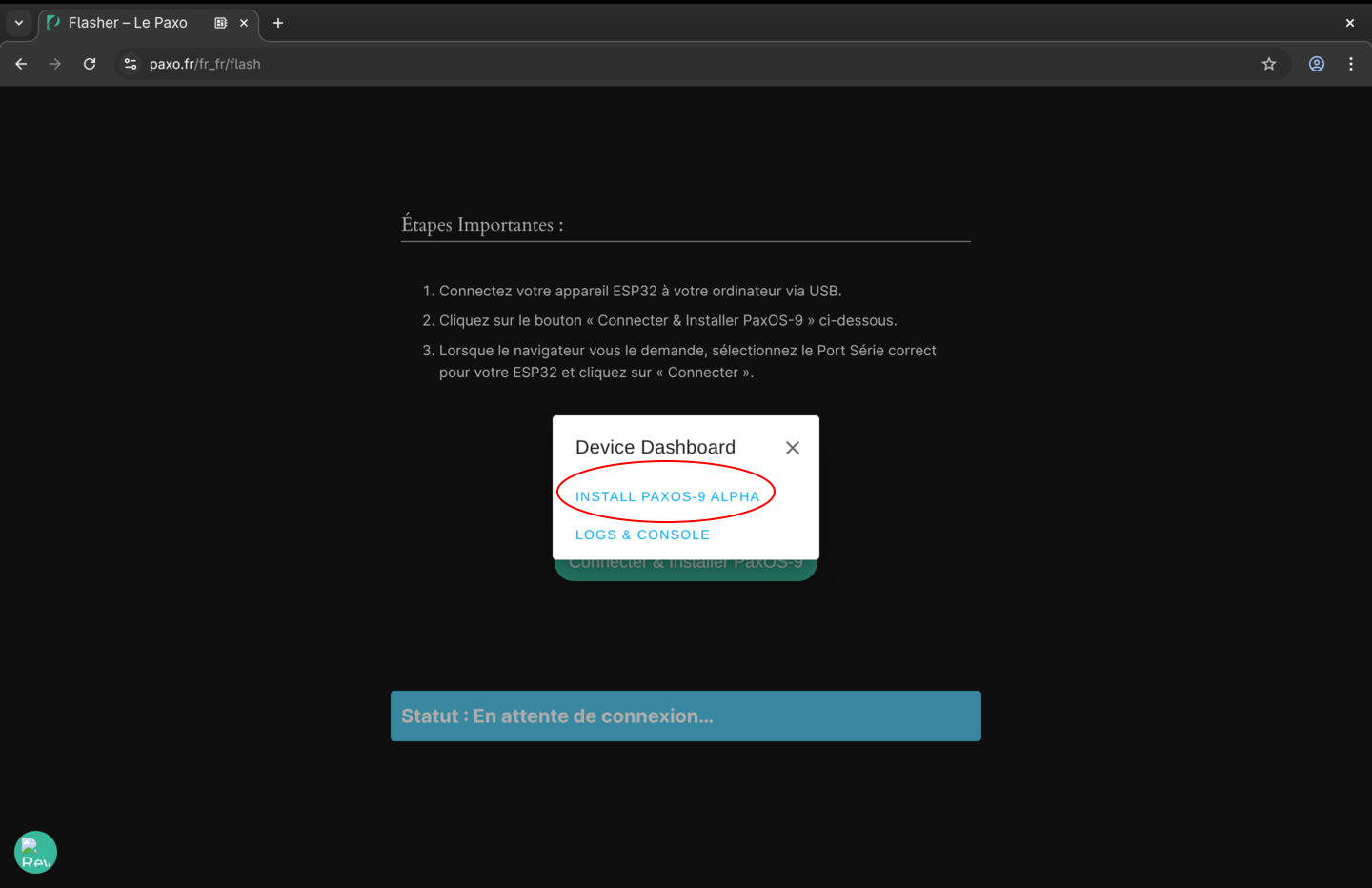
If the Paxophone is recognized on the port, a window will appear offering to install the PaxOS system.
Click "Install PaxOS9 Alpha".
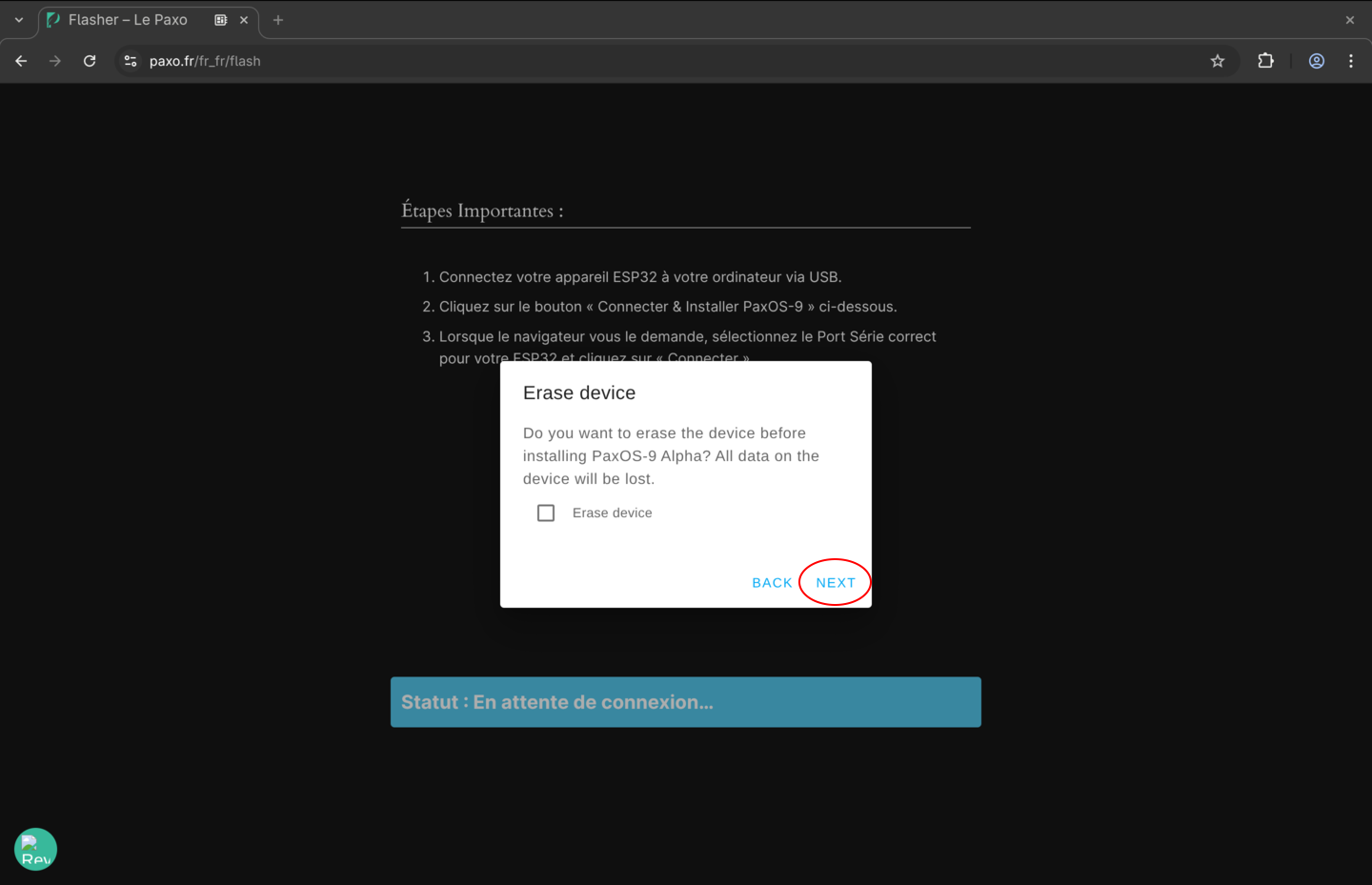
A window will offer to erase the device.
Leave the checkbox unchecked and click "Next".
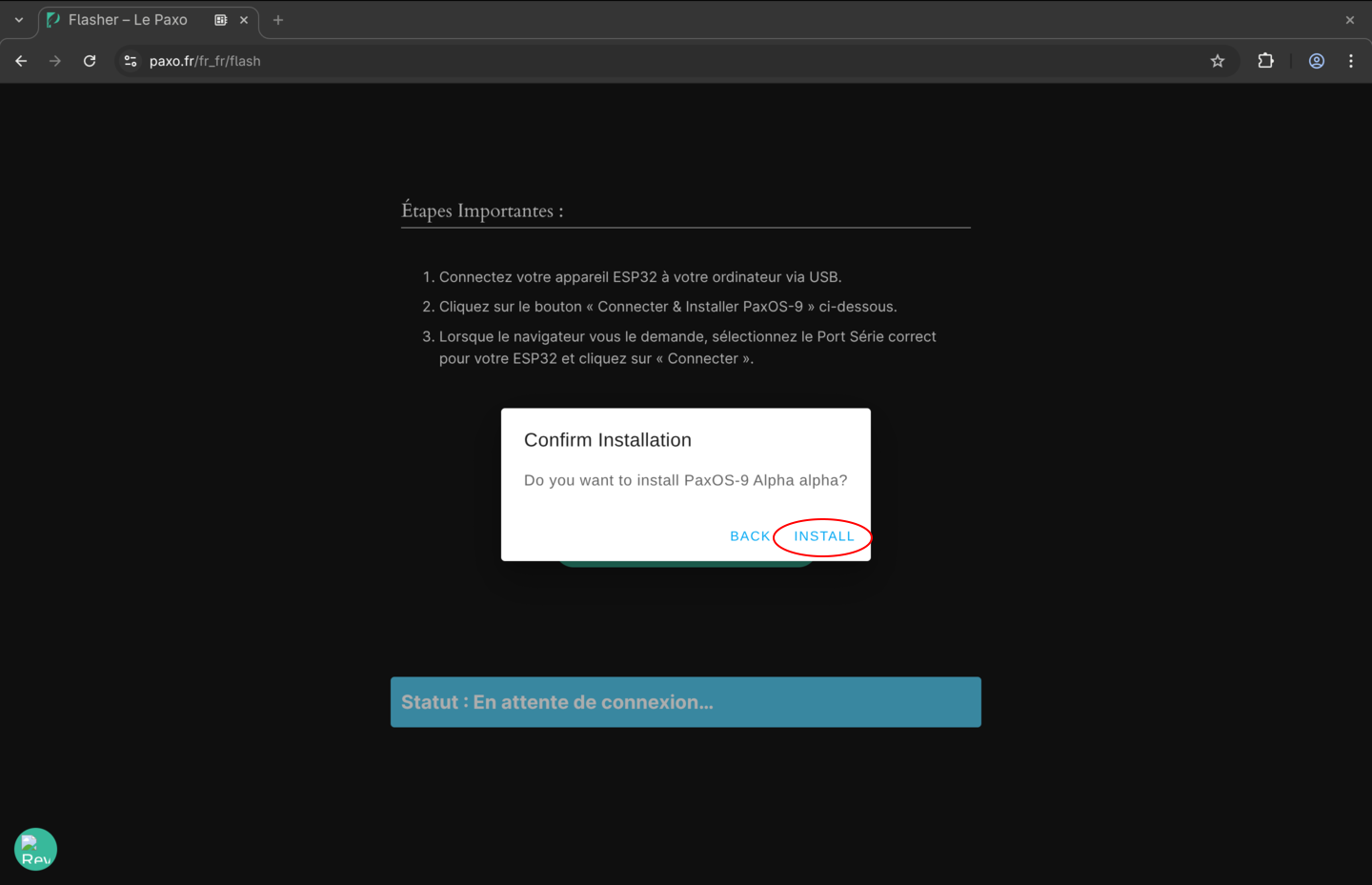
A confirmation window will appear.
Click "Install".
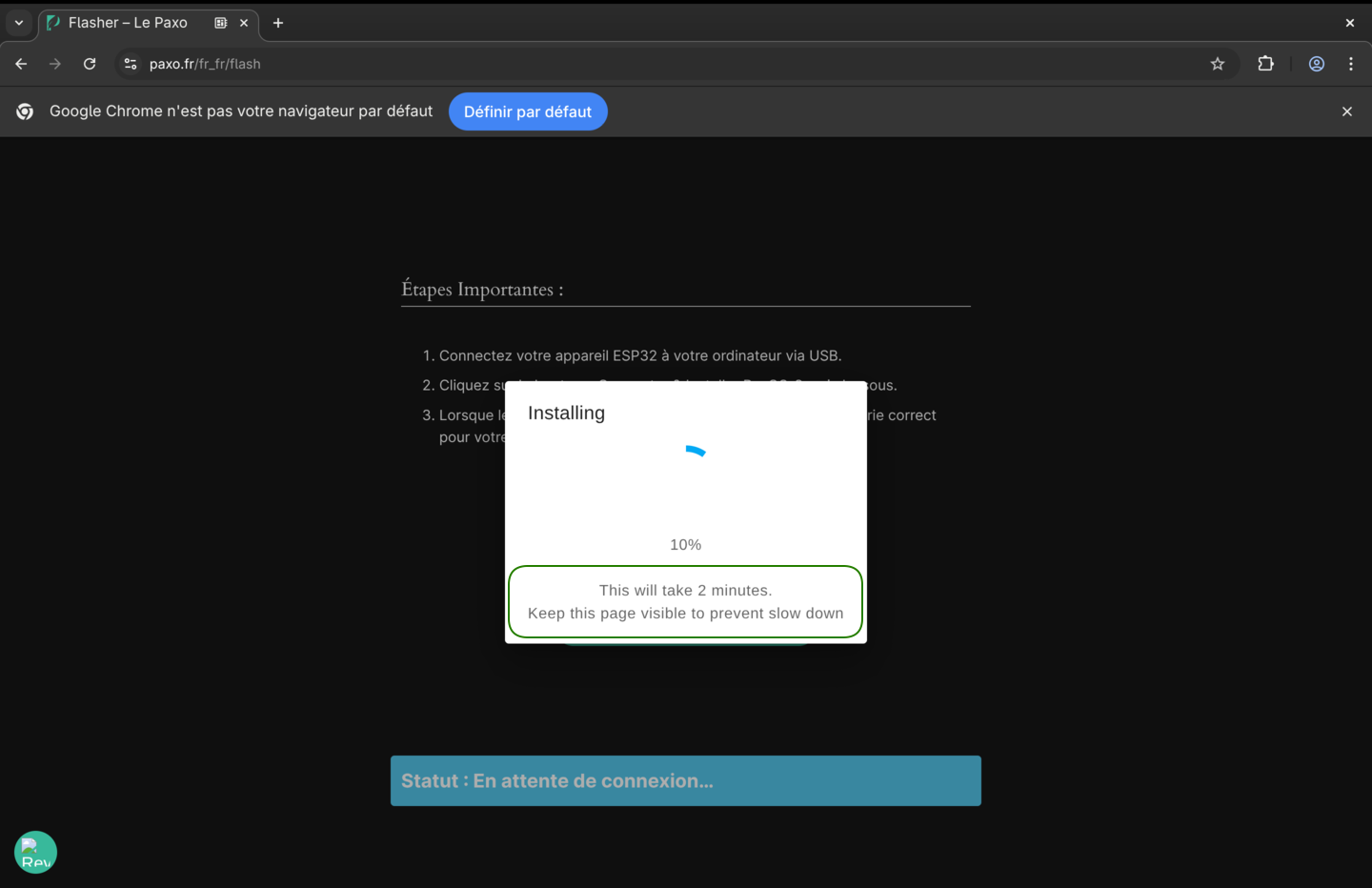
The installation will begin, and the progress will be displayed.
Approximately 2 minutes are required to complete this step.
End of the procedure
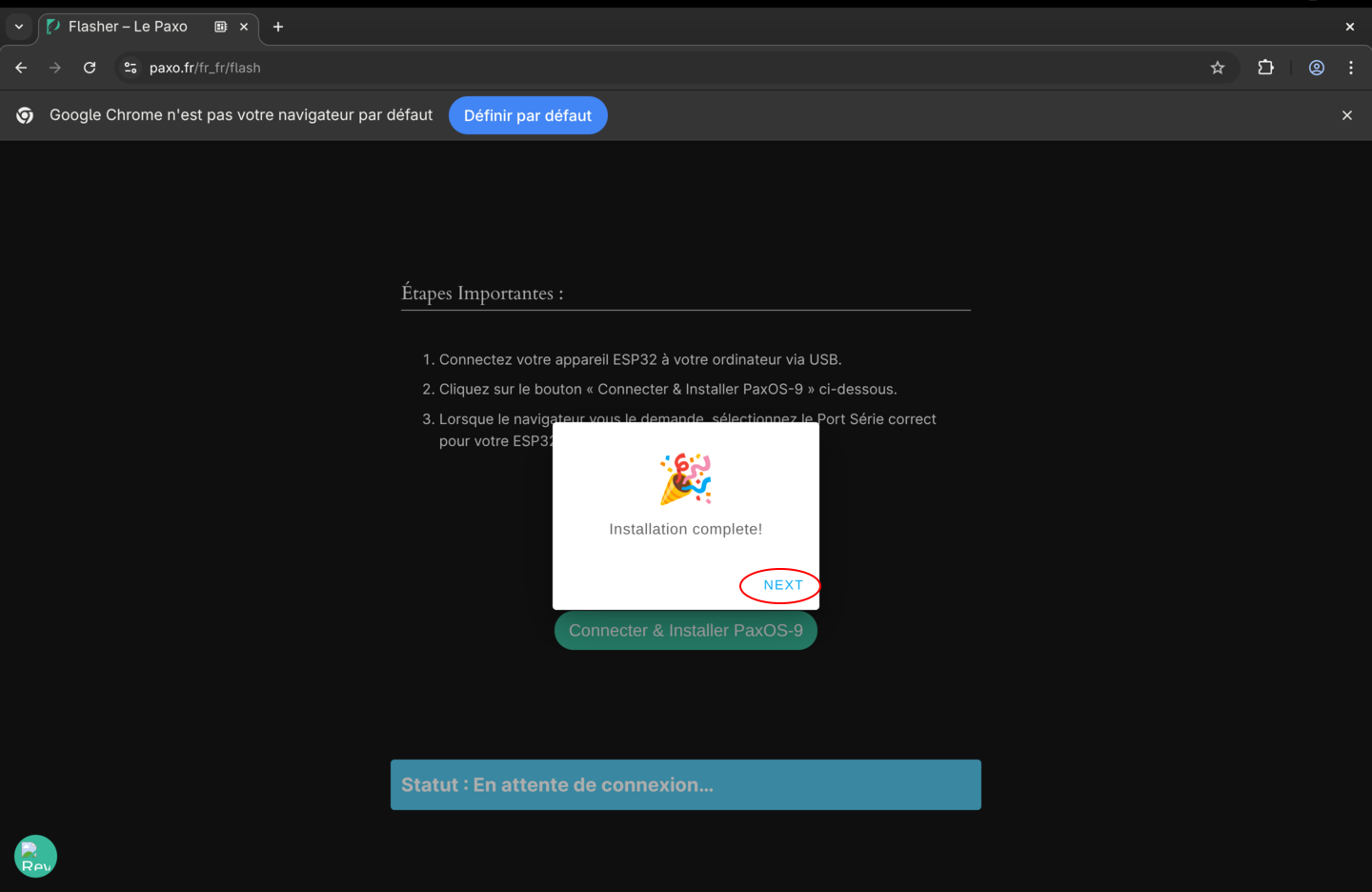
The installation is now complete.
Click "Next".
Disconnect the Paxophone.
Manual Method
It is possible to compile the system from the source code and flash the Paxophone using PlatformIO. The instructions are detailed directly in the PaxOS GitHub repository.